Edit any website,
visually.
Click any element and adjust its styles, or export a whole Squarespace page as clean code for your AI assistant.
Copy for your AI Agent works with:
Claude
 ChatGPT
Gemini
Cursor
Copilot
Windsurf
Everything you need to fine-tune your site.
Clone any Squarespace site
Turn a live Squarespace page into clean, editable code you own.
Typography controls
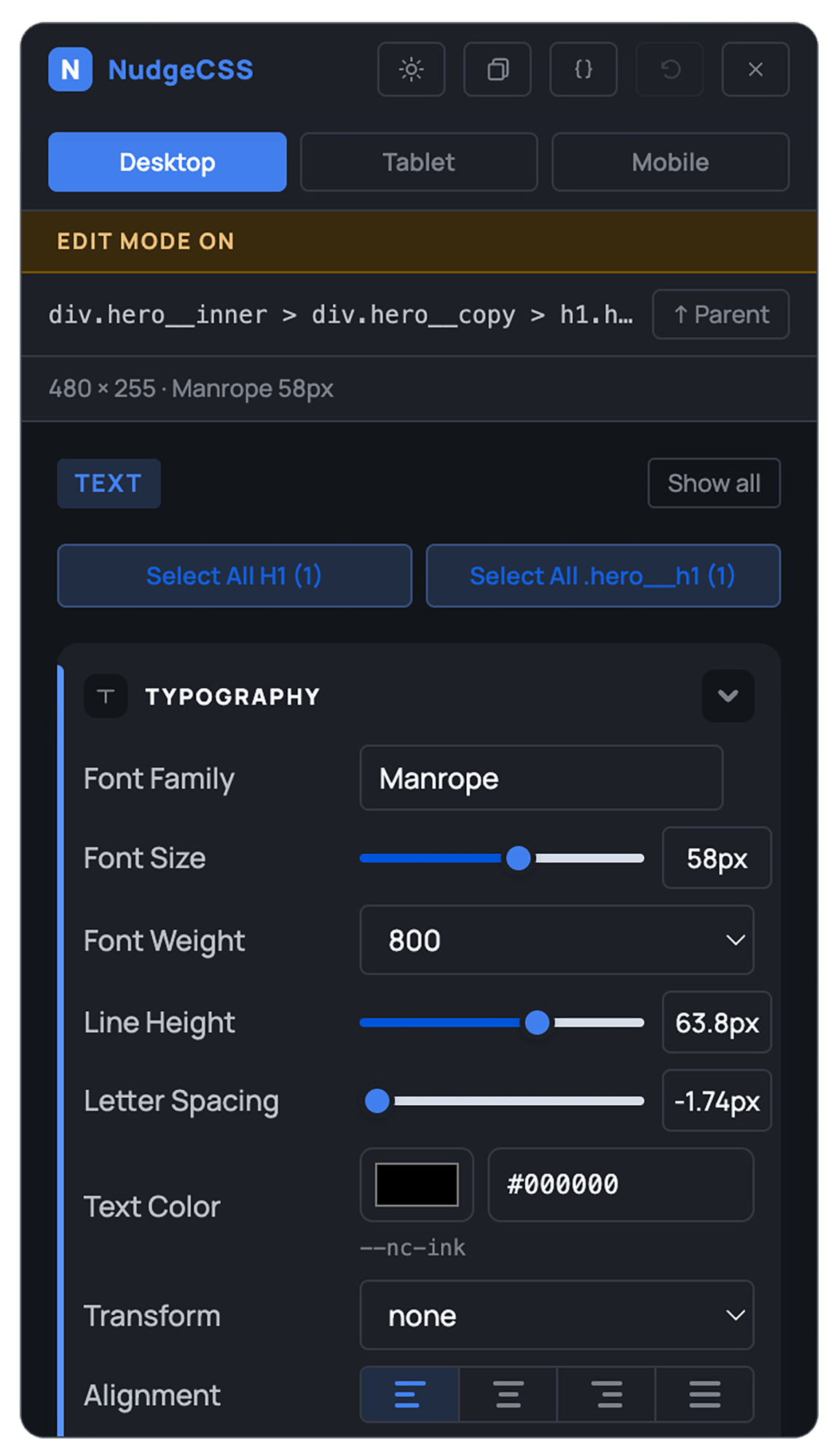
Font family, size, weight, line height, letter spacing, and color. All visual.
Direct text editing
Double-click any text to edit the words themselves, not just the style.
Appearance controls
Background color, opacity, border radius, box shadow, and visibility.
Layer panel
See the full page structure. Drill into any element, including ones that are hard to click.
Live preview
Every change appears instantly. No reload, no save step.
CSS export
Clean, minimal CSS ready to paste into your site's stylesheet.
Copy for AI Agent
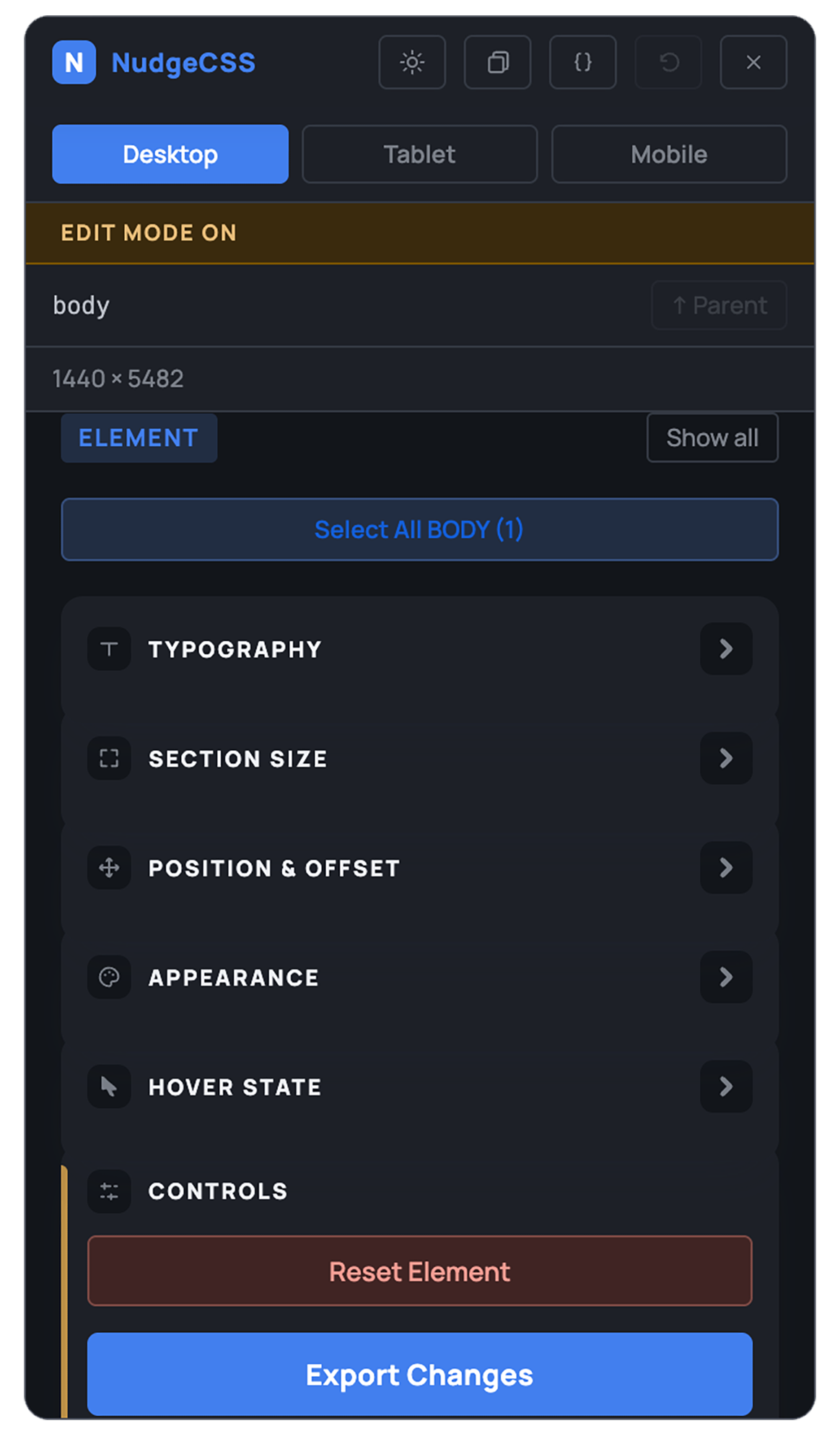
Export element context in a format ready to paste into any AI assistant.
Edit in place, or clone the whole thing.
Click any element
Click anything on your page. NudgeCSS highlights it with a gentle outline and opens the editor panel instantly.
Adjust visually
Change fonts, colors, spacing with sliders and pickers. Every adjustment appears live on the page as you make it.
Export your CSS
Copy the clean CSS ready to paste into your site. Or use Copy for AI Agent to hand it straight to your AI assistant.
Or clone the whole page
Migrating off Squarespace entirely? Clone Page captures the real HTML and CSS, not just one element, ready to hand to your AI agent or download as files.
Built for people who own their site, not code it.
Small business owners
Left Squarespace for cheaper, faster hosting, and lost the visual editing that came with it. Fix a font or adjust spacing without hiring a developer.
Freelancers & agencies
Make small client-requested tweaks between revisions, on any client's site, without opening a code editor for a two-minute change.
Marketers & content teams
Update a landing page, adjust a headline, or fix a broken layout without waiting on an engineering ticket.
Start free. Upgrade when you're ready.
- Full element picker
- Typography controls
- Appearance controls
- Layer panel
- Live preview
- Undo history
- Everything in Basic
- Section size, position & offset
- Hover state editor
- Insert toolbar & resize handles
- Responsive breakpoint preview
- CSS variable & global style editor
- Everything in Studio
- NudgeCSS Bridge: chat with AI to edit your site
- Squarespace-style Exact Clone export
- Clean HTML/CSS export
- Whole-page export for AI Agent
Compare every feature
Swipe sideways to see all three plans.
| Feature | Basic$0 | Studio$30/yr | Bridge+$60/yr |
|---|---|---|---|
| Core editing | |||
| Element picker | Included | Included | Included |
| Typography controls | Included | Included | Included |
| Appearance controls | Included | Included | Included |
| Layer panel | Included | Included | Included |
| Undo history | Included | Included | Included |
| Dark mode | Included | Included | Included |
| Advanced editing | |||
| Section size, position & offset | Not included | Included | Included |
| Hover state editor | Not included | Included | Included |
| Insert toolbar & resize handles | Not included | Included | Included |
| Responsive breakpoint preview | Not included | Included | Included |
| CSS variable & global style editor | Not included | Included | Included |
| Direct text editing | Not included | Included | Included |
| Clone & Bridge | |||
| NudgeCSS Bridge (chat with AI to edit your site) | Not included | Not included | Included |
| Exact Clone export | Not included | Not included | Included |
| Clean HTML/CSS export | Not included | Not included | Included |
| Whole-page export for AI Agent | Not included | Not included | Included |
Common questions.
Does NudgeCSS work on any website?
Yes. NudgeCSS works on any website you open in Chrome, including sites built with Astro, WordPress, Squarespace, Wix, Webflow, or plain HTML. Some sites that block external scripts may have limited functionality.
Do I need to know CSS to use NudgeCSS?
No. NudgeCSS is built for people who are not developers. You work entirely through visual controls: sliders, color pickers, and dropdowns. The extension handles the CSS for you.
Will my changes be saved permanently?
NudgeCSS shows you what your changes look like and generates the CSS to make them permanent. To apply them, copy the CSS and paste it into your site's stylesheet. The extension is a visual editor, not a site editor.
What is "Copy for AI Agent"?
Copy for AI Agent exports the selected element's CSS context in a format that works well when pasted into Claude, ChatGPT, or any other AI assistant. It gives the AI exactly what it needs to understand the element and suggest further changes.
Is NudgeCSS really free?
NudgeCSS Basic is free with no time limit and no account required. Studio ($30/year) and Bridge+ ($60/year) unlock the full editing toolkit and the Bridge AI-editing capability; both are one-time annual purchases, not a subscription that renews automatically.
Start in under a minute.
Stop guessing.
Start editing.
Install Free for ChromeBasic is free forever. No account required.